
Microsoft Teams Calling
A Cloud Based Phone System built in the Microsoft Teams application.
See NFP plansWhat is Microsoft Teams Calling?
A phone system that runs inside the Microsoft Teams app, replacing a traditional desk phone or legacy PBX. Calls, voicemail and call routing all happen through Teams, on any device.
Who is it for?
Organisations already using Microsoft 365 who want to consolidate phone and collaboration tools into one platform - particularly not-for-profits with staff working across offices, home, and outreach settings.
How is it different from a normal business phone system?
There's no separate handset system to manage. Calling is added directly to Teams, so your team uses one app for chat, meetings and phone calls.
Does Goodtel offer special pricing for not-for-profits?
Yes - Goodtel is built exclusively for the NFP and social enterprise sector, with dedicated pricing, onboarding and support.
See current NFP pricing
 No lock in contracts
No joining Fees
30 day goodness guarentee
What's included with Microsoft Teams Calling

Auto attendant
Greet every caller professionally and route them to the right person or program, even outside office hours.
Hunt groups
Ring the whole team at once or in order, so a supporter or client call never rings out unanswered.
Call queues
Manage higher call volumes without missed calls, with wait messages that keep callers informed.
Voicemail to email
Missed messages arrive in the right inbox as audio, wherever your staff happen to be working that day.
Video calls and meetings
Move seamlessly between a phone call and a video meeting inside the same Teams app.
Music and on-hold messages
Keep callers informed and on the line with custom on-hold messaging for your organisation.
Flexible Device Options for your Microsoft Teams Calling Integration
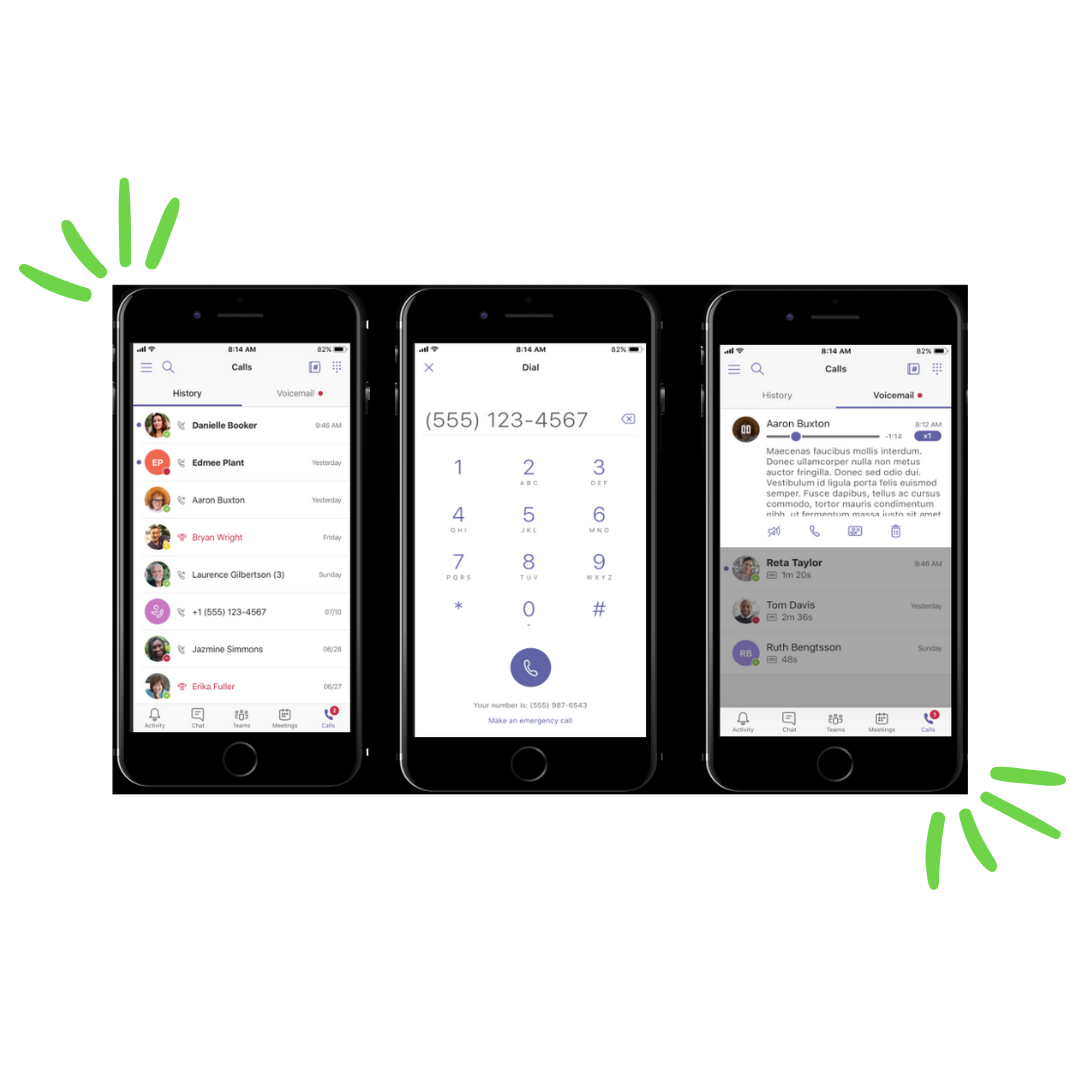
Any device with the Microsoft Teams application can be used as your phone system - PC, laptop, tablet or mobile. If you'd prefer a handset, choose from affordable Teams-certified devices, or bring your own to save on hardware costs.
Plans and pricing
Every plan includes hosted voice, an MS Teams calling licence, and unlimited local, national and mobile calls (AUS).
Making the switch is simple.
Moving from a legacy Cloud PBX system to a cost-effective Microsoft Teams Calling environment is made simple with Goodtel.
Connect to Microsoft 365
We plug Teams Calling into your existing Microsoft 365 environment.
Choose your devices
Bring your own devices or add Teams-certified handsets where needed.
Go live with 7-day support
A dedicated onboarding specialist manages the switch so your phones never go quiet.
Why Goodtel?
✓
Easy Teams onboarding
Your own Goodtel Onboarding Specialist brings Teams Calling into your organisation, making sure Microsoft Teams fits just right.
✓
Teams calling coverage
Wherever your business is located, our calling network allows your team to use Microsoft Teams calling.
✓
7-day tech support
Technical support is available 7 days a week - real humans, weekdays 7am–12am and weekends 8am–8pm.
✓
Full number portability
Keep your existing phone numbers when you move to Microsoft Teams calling.
✓
Highly scalable
Get the right number of users today, and easily adjust up or down as your organisation changes.
✓
50% of profits back to charities
We donate 50% of profits from your service to a charity partner. You do good with every call you make.
Frequently asked questions
What's the difference between Microsoft Teams and Microsoft Teams Calling?
Microsoft Teams is the collaboration app for chat, video meetings and file sharing. Teams Calling adds a full phone system on top of it, so your team can make and receive standard phone calls from the same app.
What network does Goodtel's Teams Calling run on?
Goodtel runs on the Telstra Wholesale network, giving you major-network reliability and coverage across Australia.
Do I need a Microsoft 365 licence already, or can Goodtel help set one up?
Most organisations already have Microsoft 365 in place. If you don't, or need to review your licensing, our onboarding specialist can help - including checking your eligibility for discounted not-for-profit licensing.
What happens if my internet goes down?
Teams Calling needs an internet connection to operate. We'll talk through fallback options for your organisation as part of onboarding, so calls can still be answered if your connection drops.
Can Teams Calling replace our existing office phone system entirely?
Yes. Teams Calling is designed to fully replace a legacy PBX or desk phone system, with features like auto attendant, hunt groups and call queues built in.
Is Teams Calling suitable for organisations with remote or outreach staff?
Yes - because calling works through the Teams app on any device, outreach workers, case managers and hybrid staff can take their office number with them, wherever they're working.
Talk to a Microsoft Teams Calling Expert
Speak to our team today about using Microsoft Teams Calling to do good for the planet and better for your business